
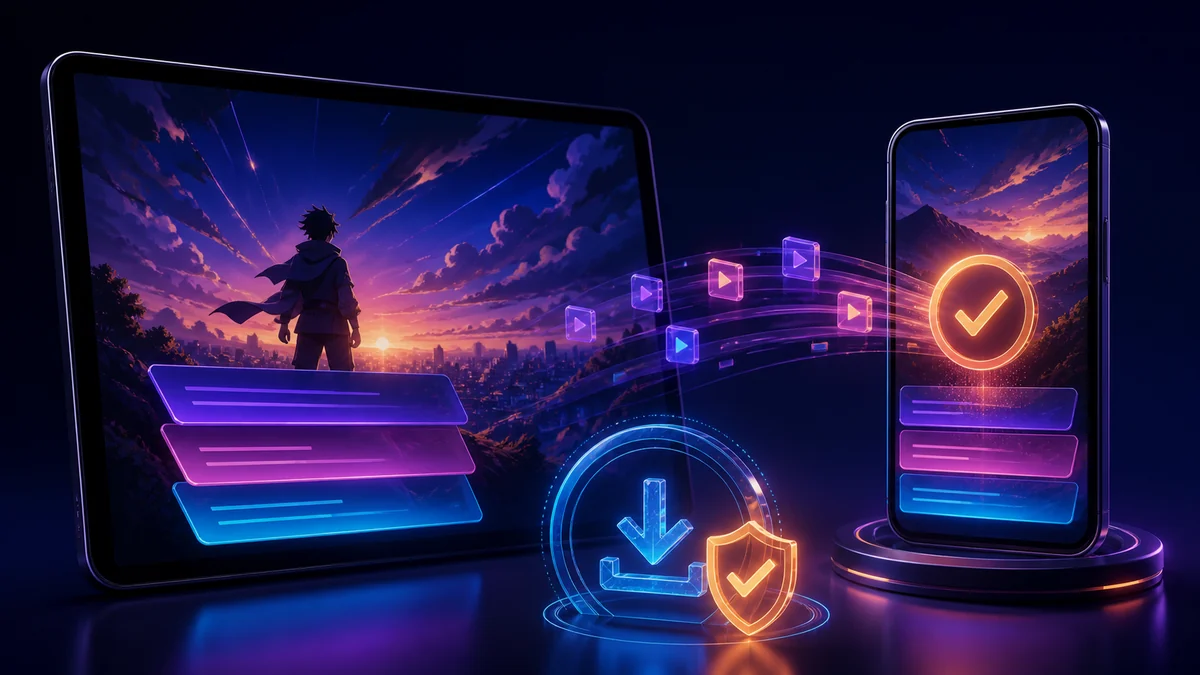
Crunchyroll licenses anime and series for specific regions. When offline viewing is available for your plan, title, and device, use the official app rather than a general-purpose URL downloader.
Find eligible episodes
Open a series in the Crunchyroll app and look for the download or sync control. Availability can differ between seasons and regions. If no control is shown, the episode may not be licensed for offline access.
Choose audio, subtitles, and quality first
Select the preferred language and subtitle track before downloading. Confirm the saved episode plays with the expected combination while the device is briefly offline. Quality settings affect both storage and download time, so use a lower setting for a small phone screen.
Keep enough storage available
Series can consume storage quickly. Download the episodes you expect to watch, remove completed items, and leave space for app updates. If an SD card or external drive is unsupported by the app, do not manually move its protected files.
Why ordinary downloaders do not apply
Crunchyroll streams may be protected by account access and DRM. This site’s public-media analyzer is not intended to bypass those controls or export protected episodes as MP4 files.
Do not share Crunchyroll credentials with an unrelated tool. Use the official offline download and follow the service’s current plan and device rules.
Troubleshoot missing or expired episodes
Reconnect to the internet, verify the subscription, update the app, and confirm the title is still available in the region. Some downloads require periodic validation or may expire after a licensing change.
Build a dependable travel queue
Download a small test set first, verify audio and subtitles, then add the rest of the season. Keep one alternative source of entertainment in case a license or account check changes while you are away.